See where your tool actually sits.
You know your signups. You don't know what happens on either side of you — which step you occupy, what you sit between, and what someone had to give up to fit you in. Buildscape is where builders publish exactly that, in public, unprompted.
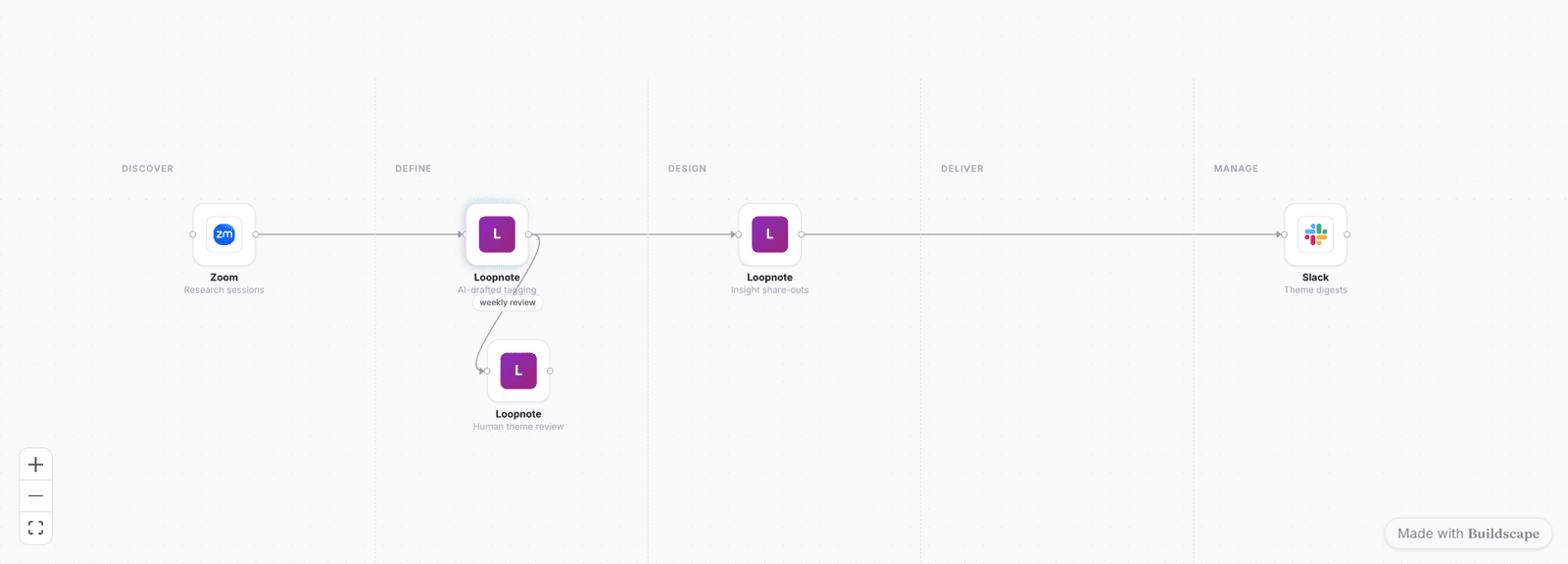
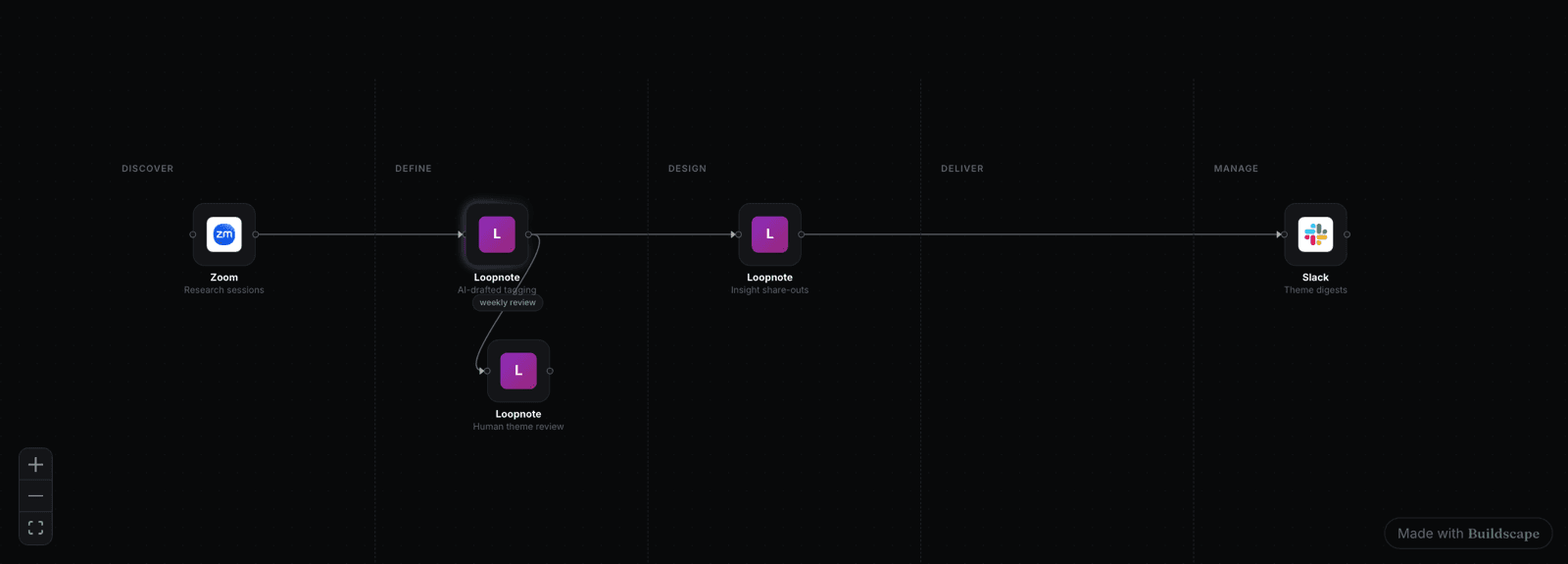
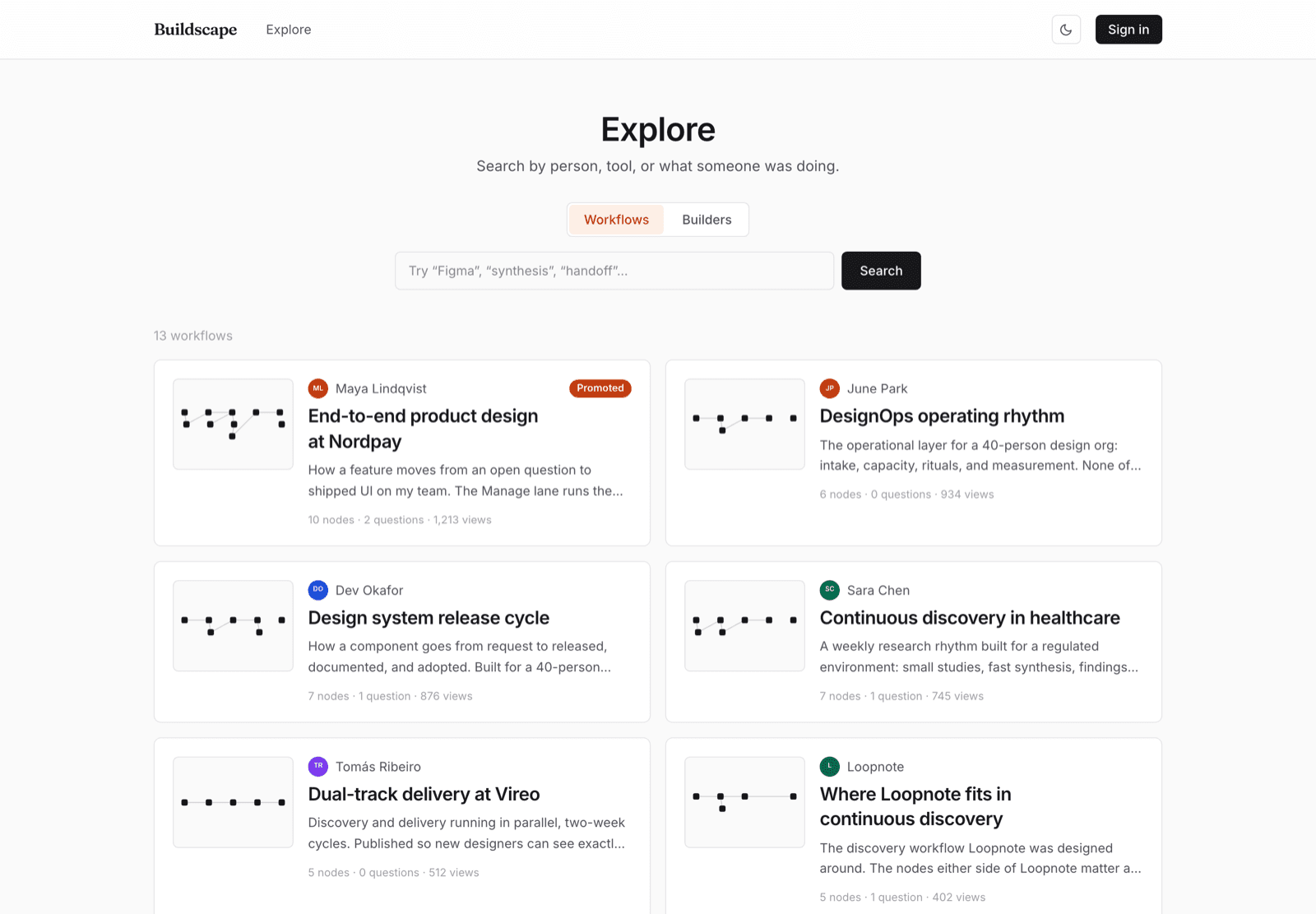
A live workflow, not a picture. This is the unit of content on Buildscape — and every tile in it is somebody's product, named, logo and all, in the order it's genuinely used.
Your feature page argues. A workflow proves.
The question you can't answer is the one that decides the sale.
You're blind to your own neighbours.
Placement here doesn't read as advertising.
A page of proof, and a ranking you can't buy your way into.
These are live now. The insight section further down is where the roadmap starts, and it's marked.
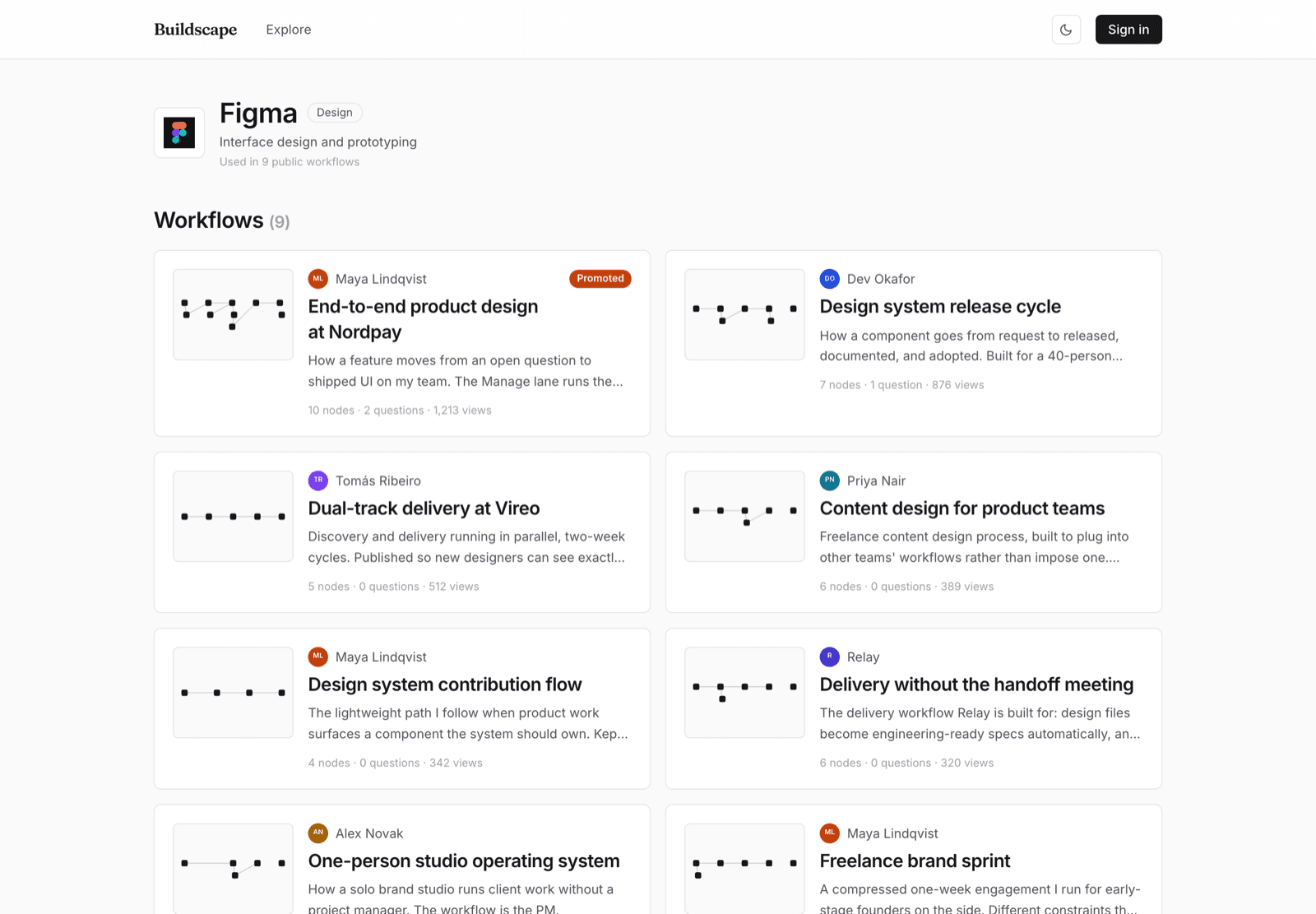
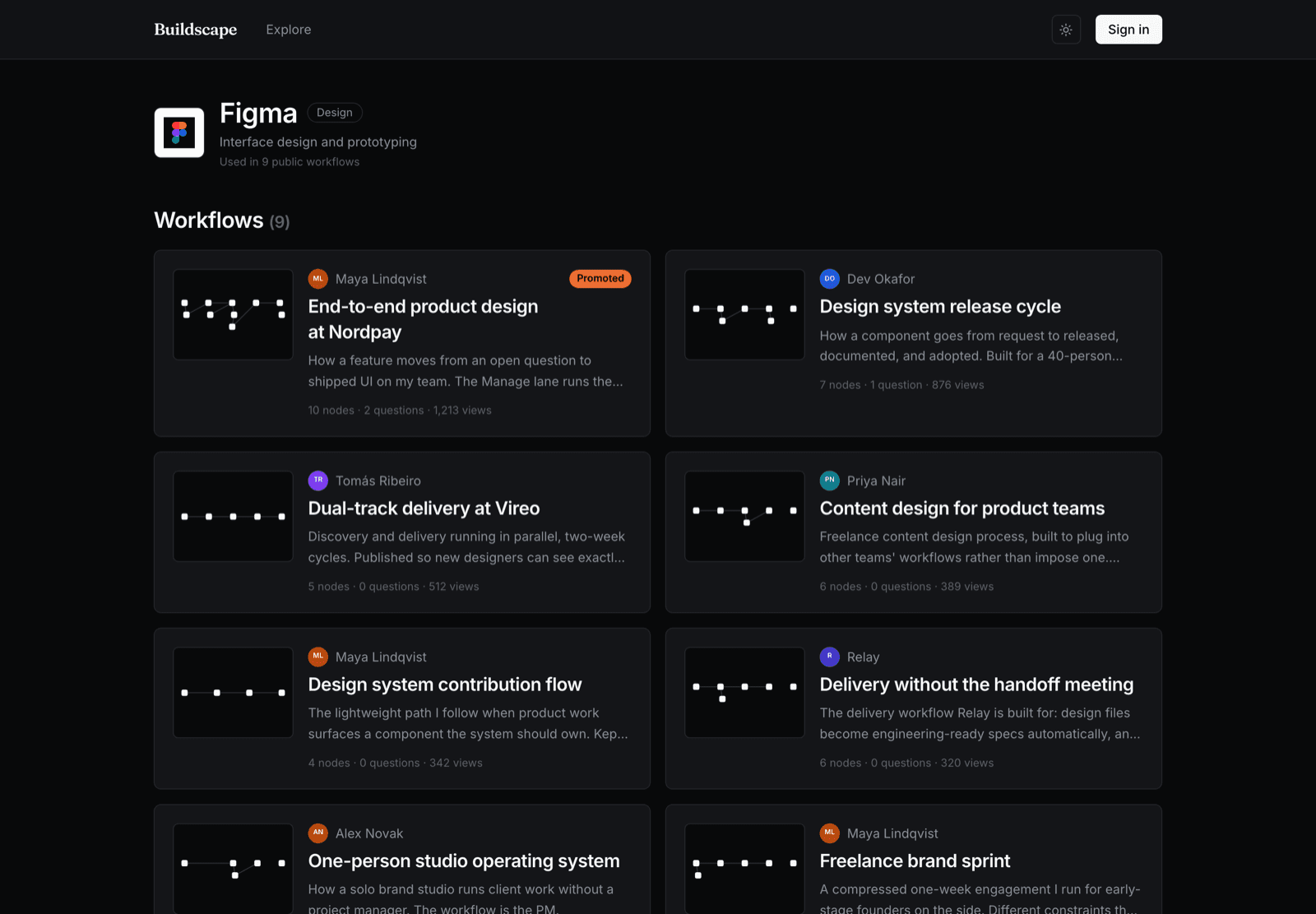
Every tool gets a page listing the workflows that use it.
/brand/your-tool aggregates every public workflow you appear in, ranked by views. It's the page to send someone who asks “who actually uses this, and for what?” — and you didn't have to write a word of it.
Free, automatic, and it exists the moment one builder places your tool in a map.
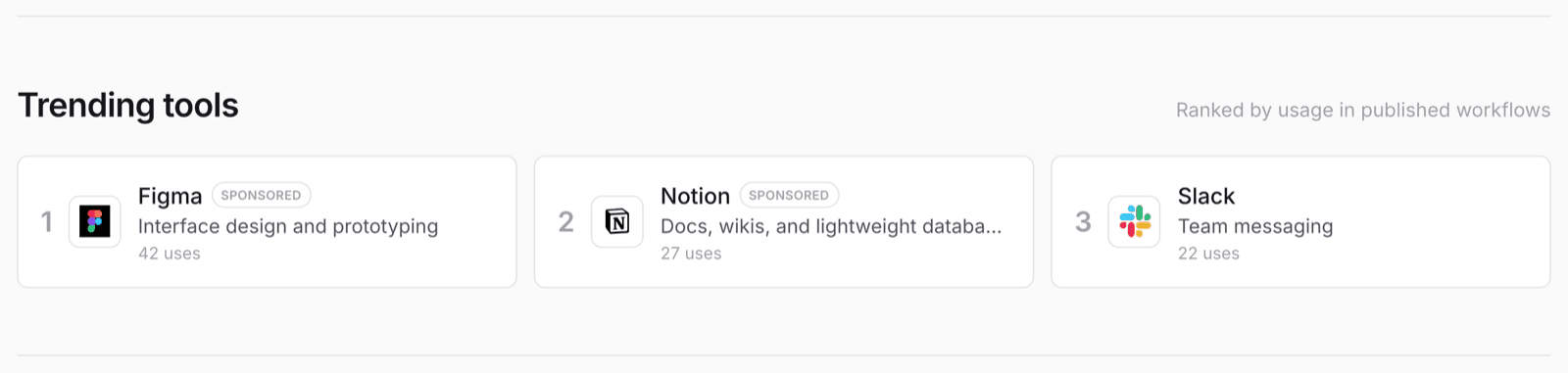
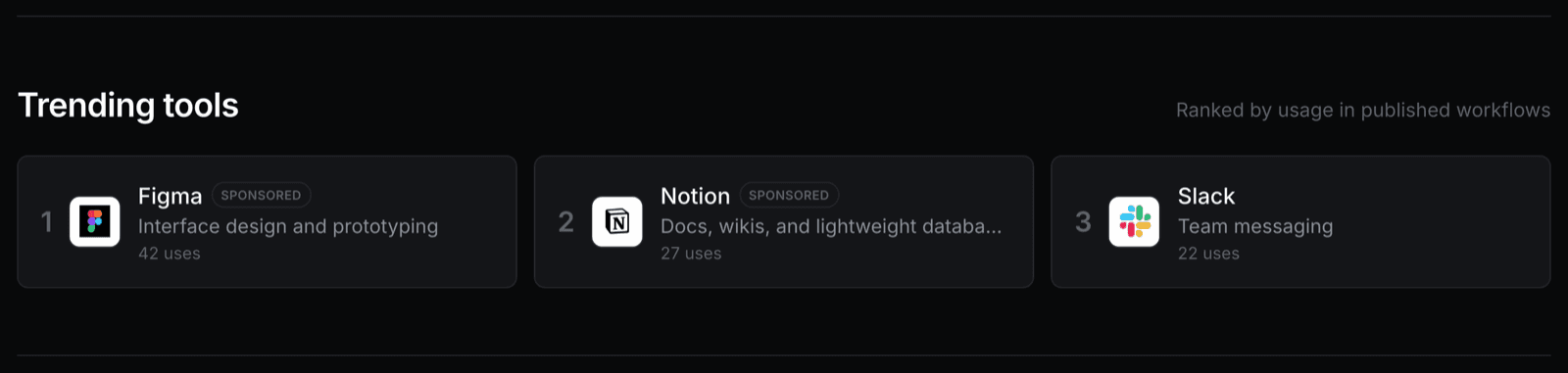
Trending is a usage count, and it says so.
The homepage ranks tools by how often builders actually place them in a published workflow. You can sponsor a slot; you can't sponsor the number. Both are visible at the same time, on purpose — a ranking a reader doesn't trust is worth nothing to the tool sitting at the top of it.
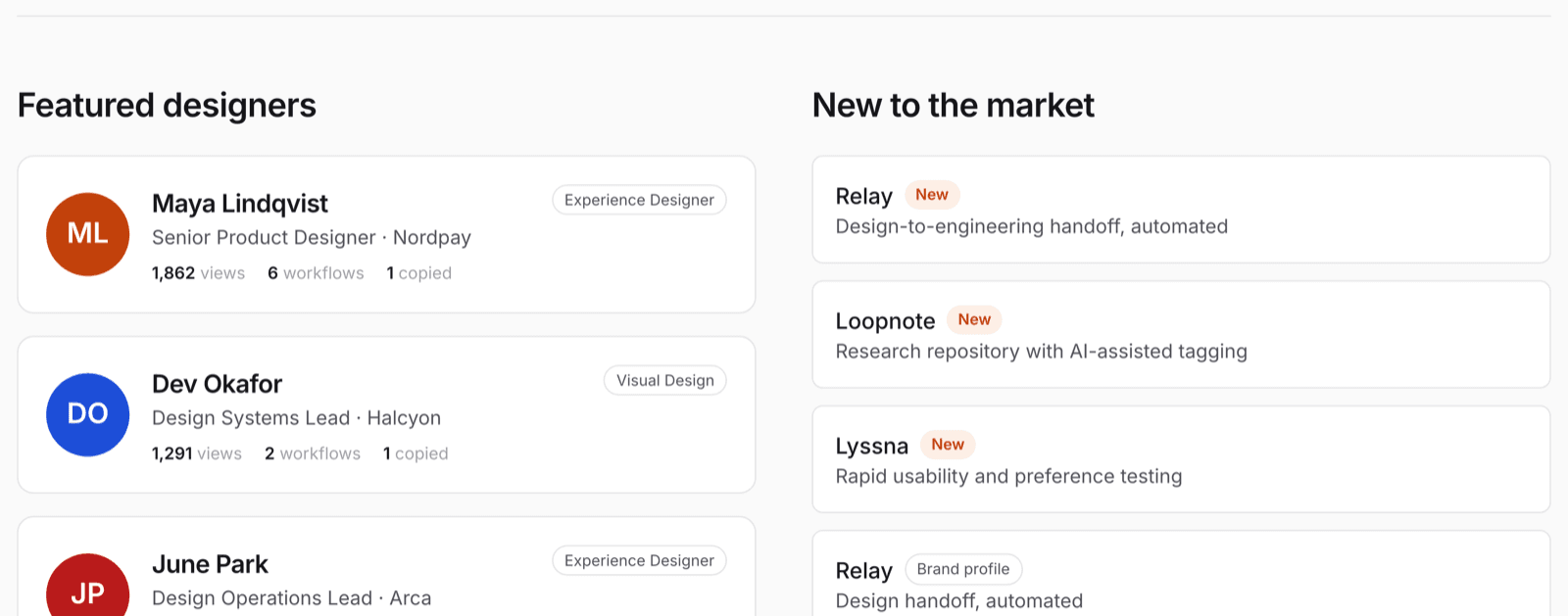
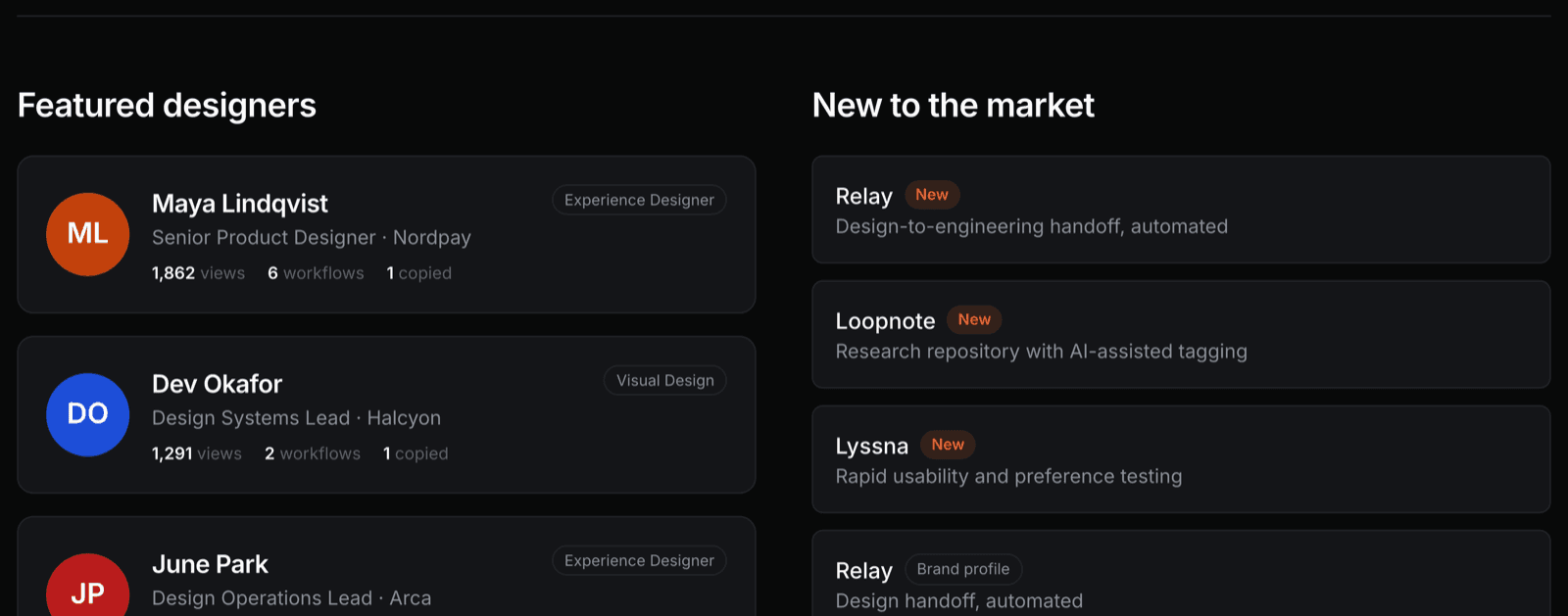
New tools aren't buried under the incumbents.
A usage ranking always favours whoever got there first. “New to the market” is a separate homepage slot so a tool with three months of history is discoverable without out-ranking Figma, which it never will.
Publish your own — as long as it's honest.
A tool maker can author a workflow like anyone else: “here's the process our product was designed around, and here's what sits either side of us”. The ones that work name other people's tools generously and put themselves in one step, because that's what makes them readable as a map instead of an ad.
Featured picks and homepage curation stay independent-first — publishing doesn't buy placement.
Sponsored placement, labelled as sponsored.
A workflow can be sponsored on Explore and the homepage. It carries a Sponsored tag wherever it surfaces, and outbound affiliate links are tracked first-party and marked rel="sponsored". You get the click count; the reader gets the disclosure.
What you learn here, and what to do with it.
Some of this is live today. The rest is the roadmap, and it's marked as such — the underlying data is being recorded either way, so nothing below needs a new instrument to become real, only a surface.
A live count on your tool page, with every public workflow behind it: who wrote it, how big it is, how many people read it.
So you can: stop guessing at your use cases and read them. Nine named workflows beat a survey, and each one is a customer story you didn't have to commission.
Every step carries the author's reasoning — why this tool won, what they tried first, what it replaced. That text is public and searchable.
So you can: find the sentence your own marketing has been failing to write. It's usually already there, in someone's “tell us your process” field.
Readers ask about the reasoning on the workflow page itself. Many of those questions are about tool choice.
So you can: answer the objection where the reader actually has it, rather than in a docs page nobody opened. The reply carries the asker's name and yours.
Affiliate links route through a first-party redirect that logs the click and the context. Live today, but the numbers currently sit in the owner's admin panel — there's no maker-facing view yet.
So you can: see which workflow context sends people to you — the referrer is recorded per click, not just a total.
“Your tool appears in 62 workflows, 71% of them at the research stage.” The data exists on every node; nothing aggregates it yet.
So you can: fix the mismatch between where you think you're used and where you are. If 71% of your appearances are at the research stage, that's your onboarding copy, your integrations list and your next feature.
Letting an author mark that one tool displaced another in their stack. The single most commercially useful signal on the platform, and completely invisible today.
So you can: learn who you actually win against, which is almost never who your positioning deck says. For an incumbent, it's the earliest warning signal there is.
A periodic public read on which tools entered and left real workflows.
So you can: watch your category shift as content rather than as a dashboard you'd forget to open — and cite it, because this is the kind of thing that gets linked.
All of the above behind your own login, rather than in the owner's admin panel. Pairs with the brand-manager work below.
So you can: stop asking us for a CSV. Everything above, in one place, for the person who owns the tool.
Transparency is the product, not a policy page.
This format only works if a reader believes it. Every mechanism below exists to protect that, including the ones that cost us money.
Paid is always visibly paid.
rel="sponsored" whether or not the visible tag is showing. Usage counts are never adjusted by spend. If you pay a builder directly rather than paying us, that is sponsored too — the author declares it and the workflow reads sponsored by your name. It buys the disclosure, not the ranking.Authorship stays with the builder.
Every brand page will name the person behind it.
Coming soonEdits are attributable.
Coming soonFind out where you actually sit.
Look up your tool first — if builders have already placed it, the page is there and the workflows are real. Then tell us what you want to see that isn't built yet; the roadmap above is short enough that a good answer moves it.